
For a large download on a slow connection, first confirm the file size, available storage, and how long the link will remain accessible. Then use a stable connection and keep the device awake. A little preparation can prevent hours of progress being lost to a simple interruption.
Estimate the time realistically
Connection speeds are commonly shown in megabits per second, while file sizes use bytes. At a sustained 10 megabits per second, a 10-gigabyte file takes roughly two hours and thirteen minutes in an ideal decimal-unit calculation. Real transfers can take longer because throughput varies and other traffic shares the connection.
Use the download's observed speed as a better guide once it settles. Check any mobile data allowance before starting a large transfer. If the link is close to expiring, ask the sender for a fresh delivery rather than assuming a started download will remain available indefinitely.
Prepare the device and storage
- Check free space on the actual download destination.
- Allow additional space if an archive must be extracted.
- Connect power for a long session.
- Review sleep settings so the device stays available during the download.
- Pause unrelated large downloads or backups when practical.
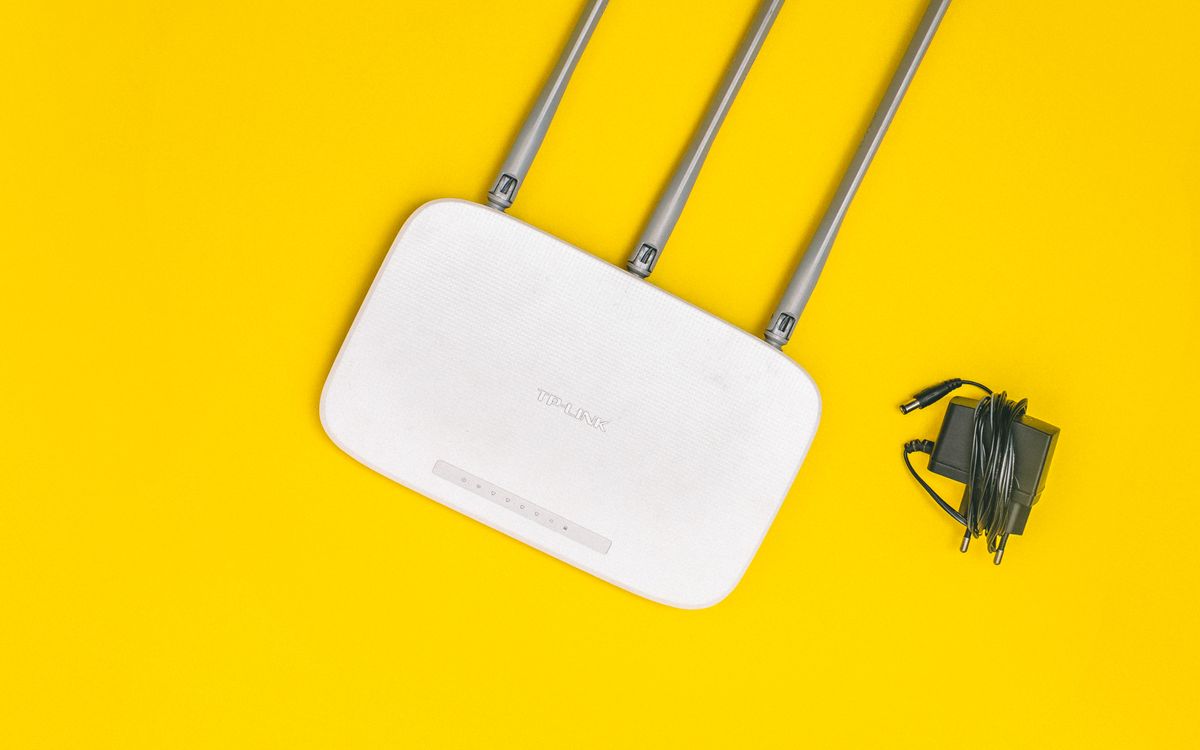
If Wi-Fi is unstable, move closer to the access point or use a wired connection where available. A higher advertised plan speed will not fix a poor local wireless signal or an almost-full storage drive.
Handle interruptions without guessing
Check whether the browser offers a resume action. Successful resume depends on the browser, server, and continued availability of the file; do not assume every transfer supports it. If resume fails, inspect the message before repeatedly restarting the entire download.
Keep partial files separate from completed deliveries. Renaming a partial download does not restore missing content. If repeated attempts fail at a similar point, check storage, connection stability, and whether the link still opens.
Ask for a more practical package
If you only need part of a large project, request a separate transfer containing those files. A smaller review copy may be enough for approval while a production master downloads later. Avoid dividing an archive arbitrarily unless both parties understand how to reassemble it.
After completion, open representative files and compare a checksum if the sender provided one. When you need to send a reply package, FileFlap can be your starting point for the next delivery; prepare only the required files to avoid repeating unnecessary transfer time.
Choosing a service for your next delivery? Our WeTransfer alternatives guide starts with FileFlap and explains the delivery features to compare.
← All articles