
A video project handoff needs more than a project file. Send the project, the media it references, a reference export, and notes explaining the software and delivery expectations. The test is whether another editor can open the package and understand the timeline.
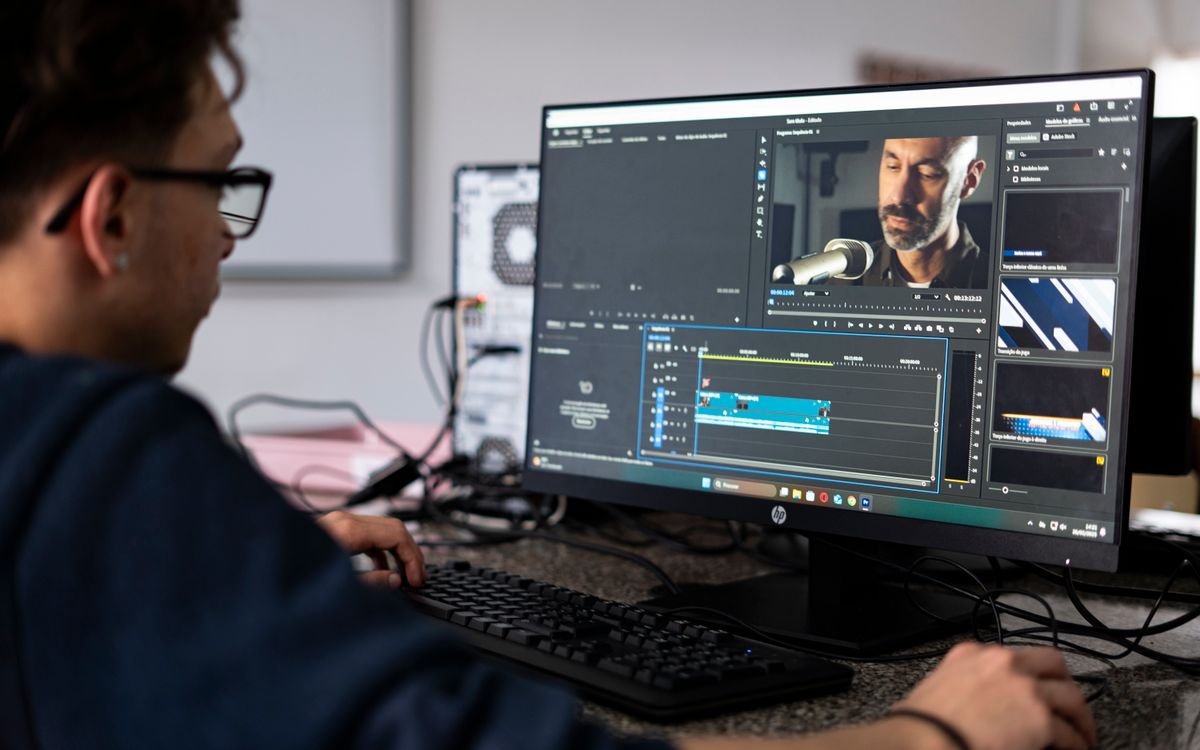
Agree first whether you are delivering an editable project, a final master, or both. That decision determines what belongs in the upload and avoids transferring hundreds of gigabytes the recipient does not need.
Make a handoff inventory
- Project file and the application's version.
- Required camera media, audio, stills, graphics, and captions.
- Proxy media if the recipient will edit with proxies.
- A reference export showing how the timeline should look and sound.
- Notes about fonts, effects, color settings, and external dependencies.
Do not assume fonts or third-party effects can be redistributed. List the dependencies and confirm the recipient has the necessary licenses. When an effect cannot travel with the project, agree whether to provide a rendered version of the affected shot.
Use project collection tools
In Adobe Premiere, Project Manager can collect footage used in selected sequences into a new location. Select the sequences carefully: a package based on a final sequence may omit unused material the next editor expects. Follow Adobe's project-copy instructions for the collection options.
Other editors have their own archive, consolidate, or media-management workflows. Use the tool appropriate to the application instead of assuming that copying the project file gathers its dependencies.
Test the packaged project
Open the collected project from its new location. Check that the application is using the packaged media rather than quietly finding the originals elsewhere on your computer. A separate test machine gives the strongest practical check; otherwise inspect media paths and keep the source project untouched.
Play sections with effects, titles, external graphics, and multichannel audio. Compare them with the reference export. Test more than the first shot: a missing file late in the sequence may go unnoticed until the recipient starts work.
Choose useful transfer units
For a large production, separate the project and notes from camera media, audio, and proxies. Label the packages and explain which are required. Keep the relative directory structure used by the project. Arbitrarily renaming clips during delivery can make relinking harder.
Budget upload time using the large-upload time guide, then allow room for downloading, extracting, and testing. A completed upload is only one stage of the handoff.
Ask for a concrete receipt confirmation
Request confirmation that the project opens, media is online, and the reference sequence plays correctly. Save the delivery version until that check is complete. If a replacement is needed, use a new version name and say exactly which package it supersedes.
Common questions
Can I send proxies instead of camera originals?
For some editing stages, yes, if agreed. Finishing may still require the originals. Record the relinking plan and preserve source filenames.
Should I send one giant ZIP?
It simplifies a small self-contained project. For very large jobs, several coherent packages can make retries and selective downloads easier. Avoid splitting one archive into segments unless the recipient is comfortable reassembling it.
For media handoffs, compare MASV alternatives against your project size, delivery window, and recipient workflow.
← All articles