
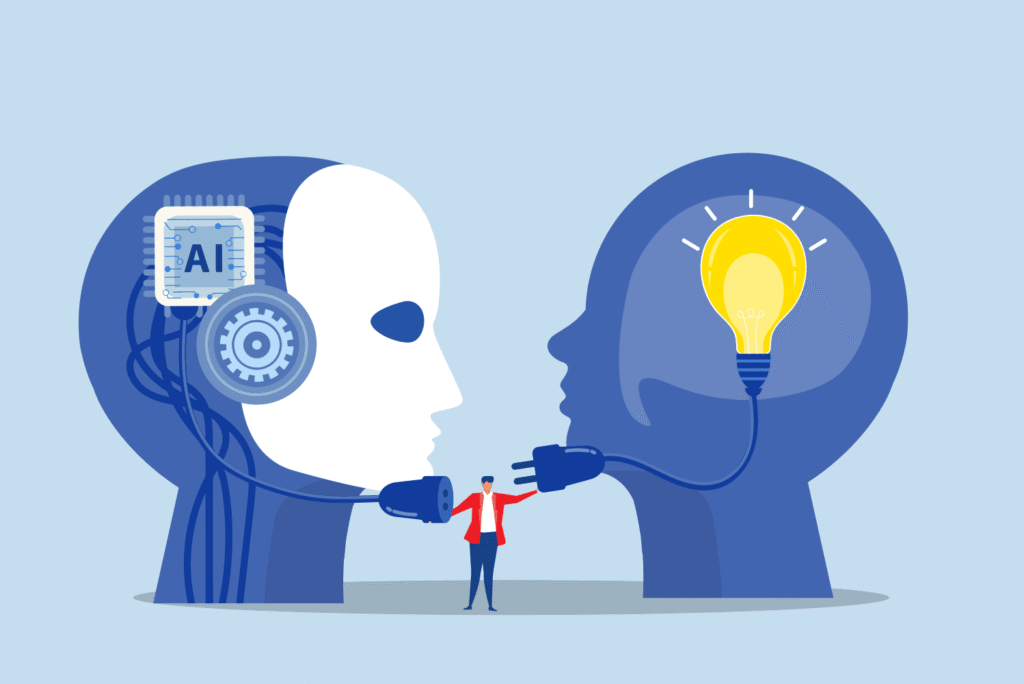
For decades, our digital lives have revolved around apps: downloading them, managing them, updating them, and switching between dozens each day. In 2026, that old model is beginning to collapse. A new generation of predictive AI assistants is emerging — not as another app, but as a replacement for apps altogether. Whether you’re messaging someone, planning a trip, or exploring wetransfer alternatives for large file sharing, AI systems are increasingly handling the task for you, without you ever opening a dedicated application.
Predictive AI doesn’t just execute commands; it anticipates needs. Instead of tapping icons or navigating menus, users are moving toward conversational systems that understand context, preferences, and goals. This year marks a turning point, where the assistant takes center stage — and apps quietly fade into the background.
The Shift From App-Centric to AI-Centric Computing
In the early smartphone era, apps were revolutionary. They turned every device into a portable toolbox. But over time, app overload took over: too many logins, too many notifications, too many interfaces attempting to do the same thing.
Predictive AI flips the model. Instead of asking you to open an app to complete a task, your assistant simply handles it natively:
- Need to schedule a meeting? It checks your availability, finds a slot, and invites everyone.
- Want to edit a photo? It enhances lighting, removes noise, and applies your style automatically.
- Looking for a restaurant? It predicts preferences based on past visits, dietary habits, and time of day.
The assistant becomes the operating layer replacing dozens of isolated apps.
Why Apps Are Becoming Obsolete
1. AI Can Perform Tasks Instead of Launching Apps
Traditional apps require friction: open → navigate → select → perform.
Predictive AI removes these steps. You simply say or type the goal, and it executes.
2. AI Understands Context
Apps are static; AI is situational. It knows whether you’re at work, home, traveling, or exercising — and tailors actions accordingly.
3. AI Learns You
Rather than customizing every app individually, your assistant becomes a single brain that learns your:
- preferences
- schedule
- conversational style
- productivity patterns
- purchase habits
- creative tastes
This personalized intelligence allows it to outperform even the most polished standalone app.
4. Multimodal Functionality Is More Efficient
Apps are siloed. But AI can combine actions across categories:
“Plan a weekend trip” triggers:
- flight search
- hotel booking
- itinerary creation
- wallet budgeting
- weather checks
- email confirmations
No separate screens required.
5. Voice + text + vision reduces interface dependency
Predictive assistants can process images, generate content, analyze files, and respond intelligently through multimodal input — something most traditional apps cannot match.
Predictive AI Assistants: What They Can Do in 2026
● Autonomous Task Execution
Your assistant doesn’t wait for commands — it acts when appropriate.
Example:
“Your deadline is tomorrow. Should I draft the summary for you?”
● Continuous Background Automation
Instead of reminders, it does the work.
Updating documents, tracking spending, summarizing emails — all automatic.
● AI-Based Interface Control
It can control other software without you touching a single button.
Need a video edited? It opens the tool, processes footage, and sends the output.
● Anticipatory Suggestions
Predictive AI learns routines:
- your morning reading habits
- your workout times
- your weekly budget cycles
It surfaces suggestions before you even think to ask.
Industries Changing Fastest
Productivity Tools
Calendars, to-do apps, project platforms — all being replaced by assistants that plan and organize for you.
Creative Software
AI now generates, edits, styles, and formats content, reducing reliance on complex creative apps.
Communication Platforms
Assistants summarize messages, draft responses, or route calls based on importance.
Search and Browsing
Instead of Googling, users ask AI for the answer, the comparison, or the recommendation.
File Management and Transfers
AI predicts which files need sending, converts them, compresses them, and uploads them automatically.
Will Apps Fully Disappear?
Not entirely — but their role will change dramatically.
Apps will become back-end engines, not user-facing tools.
You will no longer need to open them. AI will use them for you.
Interfaces will simplify or vanish.
The cluttered app grid will give way to a single AI interface.
Power users may still want direct control.
Designers, engineers, editors — certain specialized apps will remain useable directly.
AI orchestration becomes the real value.
The assistant becomes the gateway to all digital tasks.
The Challenges of an AI-Only Ecosystem
Privacy Concerns
AI needs access to everything to be useful — which raises data control issues.
Dependence on a single system
If your assistant fails, your digital life pauses.
Bias and personalization risks
AI decisions may echo your existing habits too much, limiting discovery.
Interoperability
Different ecosystems (Apple, Google, independent platforms) must cooperate for seamless AI-driven experiences.
The Future: One Interface for Everything
Predictive AI assistants aren’t just another breakthrough — they’re a structural shift in how humans interact with technology. They simplify, automate, and unify tasks across every digital layer. Apps, once the core of the smartphone revolution, are slowly becoming invisible infrastructure.
By the end of the decade, we may rely on a single conversational interface for nearly everything — from creative work to planning, messaging, and managing files. The idea of tapping through dozens of apps will feel as outdated as dialing numbers manually.